Write a Computer Science SIWES report around the tasks you actually did, how you did them and what you learned. A list of programming languages or screenshots is not enough: the reader needs to see your role and reasoning. Your department's current instructions determine the headings, formatting and required documents.
The NUC's Computing CCMAS, in its Computer Science SIWES course descriptions, connects placement learning with explaining assignments, skills and experience in a report and defence. That supports a task-focused account; it is not a universal report template or permission to invent activities.
Your support tickets, prototype changes and test notes can become a report that explains what you actually contributed. UniDraft helps organise the placement facts and guidelines you confirm into an editable SIWES document. Start your Computer Science SIWES report, using permitted material and checking every technical claim before submission. You still perform the work and tests; the software does not certify them.
Gather your evidence before choosing chapters
Open your logbook, permitted work notes and supervisor feedback. Build this worksheet for three or four substantial tasks. More tasks are useful only when you can explain them properly.
| Field | What to write from your own placement |
|---|---|
| Task and purpose | The specific problem or work request |
| Your role | Observed, assisted, performed under supervision or performed independently |
| Tools and environment | Relevant software/version, device or platform, where known |
| Procedure | The actual sequence and why each important step was taken |
| Check and outcome | How the result was checked; what remained unresolved |
| Evidence | Dated logbook entry, permitted screenshot, diagram or work record |
| Learning | The concept you now understand and the limit of your responsibility |
The Computer Science logbook guide covers daily entries. Here you are turning those records into connected explanations for the final report. Do not rewrite your whole logbook as a list of dates.
Map the material to your department's structure
Use this as a content map, not a prescribed chapter sequence:
- Placement context: organisation, unit, training period and reporting line. Verify names and dates. Explain only the organisational background needed to understand your work.
- Technical work: task sections built from the worksheet. Connect tools to actions rather than adding textbook definitions without a purpose.
- Problems and response: what went wrong, what you checked, who helped and what the checks established.
- Learning and limits: skills developed, tasks you still needed help with and recommendations grounded in what you observed.
- Supporting material: required preliminary pages, references and permitted appendices in the order your guideline names.
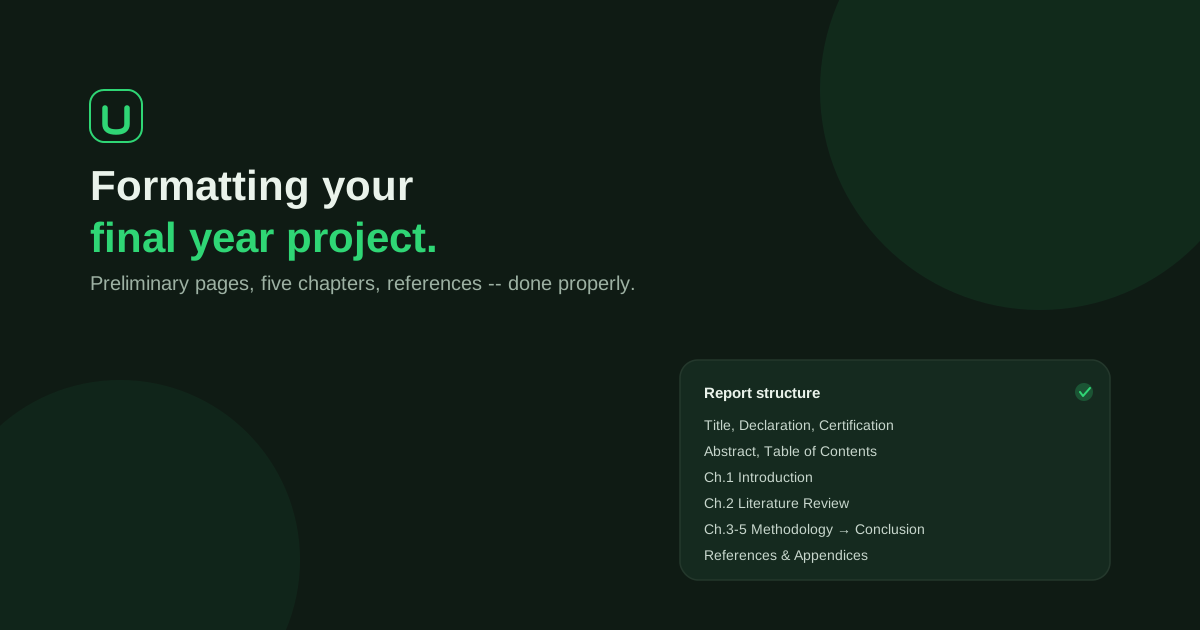
Move these blocks into the headings your supervisor requires. Check the general SIWES report guide for the wider writing process and the appendices guide for deciding which supporting records belong outside the main explanation.
Describe the technical work that matches your placement
These are prompts, not activities to claim:
| If your work involved… | Explain… | Avoid… |
|---|---|---|
| Web or software work | A requirement, the part you changed, the check and your contribution | Claiming the whole team's application as yours |
| Network support | The reported symptom, checks you were authorised to make and what they showed | Publishing live network details or claiming a diagnosis without evidence |
| Hardware/helpdesk | Fault report, safe checks, escalation and documented outcome | Inventing repairs or implying you handled equipment you only observed |
| Data handling | Source, permitted cleaning steps, checks and privacy controls | Publishing real customer or employee records |
| Cybersecurity exposure | Authorised task, supervised procedure and bounded finding | Suggesting unauthorised testing or exposing vulnerabilities |
If you mainly installed applications, entered data or assisted users, explain that work accurately. For a non-computing assignment, describe the real task and discuss its relevance or limitations with your coordinator. Do not disguise routine work as software engineering.
Worked paragraph: a small task explained properly
Fictional teaching example. No employer, student task or test result below is real.
Weak account:
I developed a professional website with HTML, CSS and JavaScript and made it work perfectly.
More useful account:
Under supervision, I added a required email field to a training contact-form prototype. I edited the form markup and tested submission with the field empty and then with a filled field. The browser blocked the empty submission. This checked the form's client-side behaviour only; I did not implement or test server-side validation. My supervisor reviewed the change before it was merged into the training copy.
The second account names the contribution, procedure, check and limitation. Copy its reasoning pattern, not its invented facts. A real report needs your actual environment, checks and outcome. “Worked perfectly” would need far more evidence than these two checks provide.
Make figures earn their place
For every screenshot or diagram, answer: what should the reader learn from this image?
- Obtain permission before using workplace material.
- Remove credentials, personal records and confidential details. Check tabs, URLs, terminal history and background windows too.
- Give the figure a clear caption and refer to it from the paragraph that explains the task.
- State whether it is your work, a team artefact or an original teaching reconstruction. Cite external material as required.
- If disclosure is not permitted, explain the process at an allowed level rather than fabricating a screenshot of the employer's system.
Include a small code extract only when it helps explain a decision you can discuss. Put longer permitted material in an appendix if your guideline allows it. The captions and cross-references guide explains how to keep figure labels consistent.
Check the report against the defence
Choose one task and practise answering:
- What were you asked to do, and what part was yours?
- Why did you use that tool or step?
- How did you know the result was acceptable?
- What did the check not establish?
- Where is the matching record in your logbook or report?
If the answer is “my supervisor did that part”, say so. Then explain what you observed or assisted with. Build your SIWES defence presentation from the same verified tasks; your report, slides and logbook should not tell different stories.
Before submission
- Dates, organisation names and role descriptions agree across documents.
- Every technical claim has an explanation you understand.
- Challenges include your response, not only complaints.
- Figures are permitted, readable, captioned and discussed.
- External explanations have real references.
- Required signatures are obtained from the appropriate people, never generated.
- Your supervisor's current instructions override this general content map.
UniDraft helps turn the placement facts and instructions you confirm into an editable IT/SIWES report. It does not create the placement experience, sign the logbook or certify your work. Keep your evidence and review the report before submission.
Source and scope
- National Universities Commission: Computing CCMAS, Computer Science CSC 299 and CSC 399 SIWES course descriptions (printed pages 40 and 46; PDF viewer pages 40 and 46 respectively).
The worksheets, technical illustration and review prompts are original writing aids. They are not an institution's approved chapter template.