SIWES defence slides should show where you trained, what you personally did, the evidence you can discuss and what you learned. Build them from your report and logbook. Start by checking whether your department actually requires slides and how much speaking time you have.
Some institutions assess industrial training through a different oral review or document process. This is a flexible presentation guide, not a rule that every SIWES student must use PowerPoint.
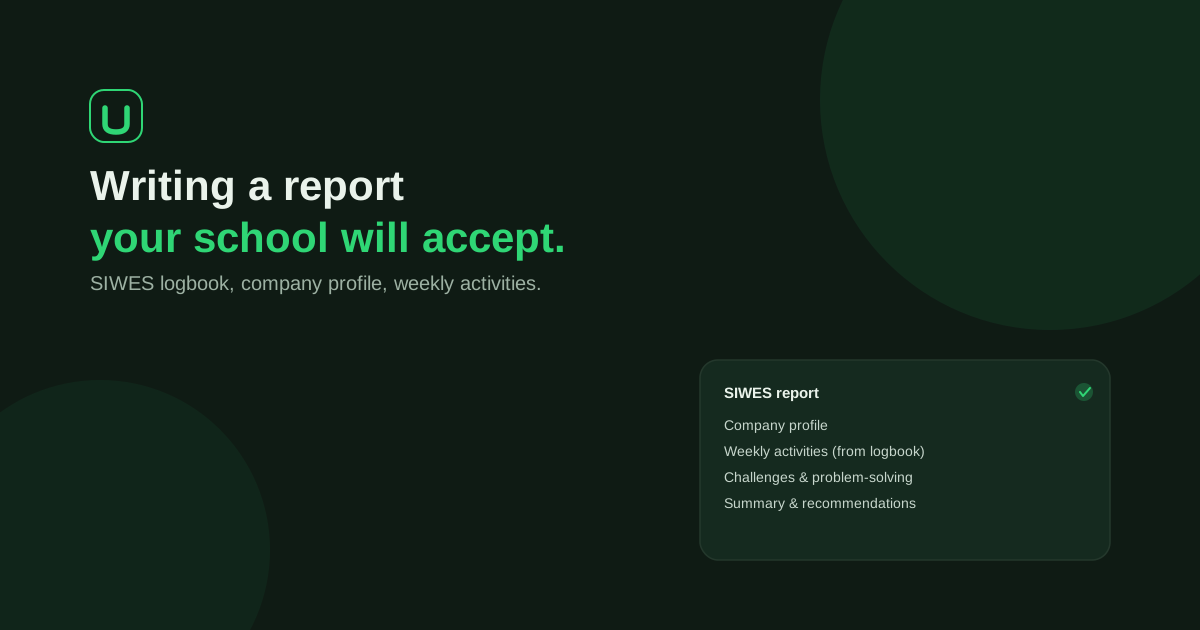
Your written report is the reference for the activities you present. UniDraft helps organise your confirmed placement facts and instructions into an editable SIWES report. Start your SIWES document, then build and rehearse your own slides from the reviewed report. The workflow does not create a presentation deck or replace genuine training records.
Select three activities before designing anything
Choose activities that let you explain a procedure, your role and a useful lesson. Three well-explained tasks are more informative than a slide listing twenty duties you cannot discuss.
For each activity, make a private evidence card:
| Prompt | Your note |
|---|---|
| Task | What needed to be done? |
| Role | Did I observe, assist or perform it, and under whose supervision? |
| Process | Which steps and tools can I explain accurately? |
| Evidence | Which permitted photo, diagram, output or logbook entry supports it? |
| Learning | What changed in my understanding or ability? |
Do not include an activity because it looks impressive in another student's presentation. If you only observed it, say so.
A slide outline you can adapt
The following is a planning example, not a required slide count. Combine or split sections according to your slot and departmental instructions.
| Section | Put on the slide | Explain aloud |
|---|---|---|
| Title | Approved report title, your details and placement information permitted by your school | A short introduction |
| Placement context | What the organisation and your unit do | How your role fitted into the unit |
| Training focus | A few learning aims supported by the placement | Why these mattered to your programme |
| Main activity 1 | One permitted visual or short process diagram | Task, your role, key steps and learning |
| Main activities 2 and 3 | The evidence needed to understand each activity | What differed, what you could and could not do independently |
| Challenge | One real problem and its context | Your action, supervision and what happened |
| Learning and recommendations | A small set of specific lessons or proportionate suggestions | How these follow from your experience |
| Closing | A short overall message and any references required | Invite questions and stop |
Keep the company history brief unless the assessment specifically asks for it. The presentation should not spend most of its time on an organisation chart and reach your work only when the timer runs out.
Improve an activity slide
Fictional teaching example: a student assisted with IT support.
Weak slide: “Networking, maintenance, installation, troubleshooting.”
More useful slide: a simple sequence showing reported fault → checks completed → escalation, with a note that the student assisted under supervision. The student then explains the checks actually performed and why a problem was escalated.
Do not invent a successful repair if the issue remained unresolved. Explaining why a fault was referred to a qualified colleague can demonstrate sound judgement and an honest understanding of your responsibility.
Use evidence without exposing confidential information
Ask permission before displaying workplace photographs, internal diagrams or screenshots. Remove personal identifiers and sensitive operational details. A self-drawn diagram of a permitted general process may communicate more clearly than an unreadable screenshot, but do not label it as the employer's official system diagram.
Keep dates, job titles and activity descriptions consistent across the slides, written report and logbook. The official ITF scheme document explains the place of genuine training records; it does not establish one slide template for every institution.
Rehearse with the actual time limit
Run through the talk aloud. Mark the point at which you start explaining your own work and the point at which you finish the main activities. If you run over, cut repetition and organisational background before cutting the evidence that explains what you did.
Then have someone ask you to explain one visual without looking at the report. If the visual cannot be read from the back of a room, simplify it. Keep a backup PDF if your assessment arrangements allow it, and check how you will connect to the room's equipment.
The SIWES defence guide covers wider preparation and questions. The opening guide helps with the first minute. For an evidence-led closing, revisit your report conclusion.
UniDraft helps prepare the written report from the activities and guidelines you confirm. You create the slides and remain responsible for knowing and checking the work you present. Explore the report workflow.