A compliance engine is software that applies your institution's formatting and structure rules to a whole document automatically, in a fixed order of authority, every time the document is built or changed. It addresses formatting inconsistencies such as: a margin that changed, a heading that lost its style, a chapter pasted in from an older draft.
The practical value is a reviewable document built around your actual instructions and work. UniDraft helps organise confirmed material into editable SIWES, seminar and project reports. Start your document, supply the applicable guidelines and review the output. Formatting support is not institutional approval or a guarantee of error-free content.
The short answer
- A template gives you a starting format. A compliance engine keeps applying the rules after the start.
- A style checker can flag covered issues. A compliance engine applies its supported resolved rules during generation; neither guarantees every requirement is interpreted correctly.
- When rules from your supervisor, department and university disagree, the engine needs a fixed order of precedence, so the strongest rule wins and no weaker rule wins by accident.
- The engine should keep your facts as the source of truth. Formatting rules never justify making up content.
The problem it solves
Formatting drift is one problem a report review can identify. It is rarely because a student does not know the rules. A document that is edited across many sessions, with content pasted in from other files, quietly collects inconsistencies. Chapter 1 might be Times New Roman 12pt double-spaced. Chapter 4, pasted from a different draft weeks later, might carry another font, another line spacing, and headings that Word no longer recognises as headings.
The last one has a real cost. Word builds an automatic table of contents from the heading styles in your document, so when headings are formatted by hand instead of with the proper style, entries go missing. Microsoft's own guidance says Word uses your headings to build the contents page and that you should apply the heading styles when entries are missing. If you have ever seen a contents page that skipped a chapter, this is why.
A compliance engine's job is to make that kind of drift structurally hard. The rules are applied to the whole document every time it is generated, not set once at the start and left to erode.
What a rules engine is, in plain language
Strip away the jargon and a rules engine is three things: a list of rules, a way to decide which rule applies when several could, and a step that carries the winning rules out. You already use one in daily life.
Think of the rules about being on campus. The university says students must be in by a certain hour. Your hostel warden posts a stricter notice for your block. On the night of your practical exam your lecturer gives you written permission to stay late. You do not obey all three at once, and you do not pick whichever you like. You follow the most specific and most authoritative instruction that covers your situation, and you fall back to the general rule when nothing more specific exists.
A document compliance engine does the same with formatting. It gathers every rule that could apply to your document, groups them by what they are about (for example "reference style" or "which sections Chapter 3 needs"), and for each group chooses one winner by authority. Then the rendering step uses only the winners.
Two points that beginners often miss:
- The comparison is per concern, not per document. Your supervisor might have an opinion about line spacing and none about margins. The supervisor's rule wins for spacing, and the margins still come from the next level down that has something to say.
- Silence is not a rule. If your supervisor says nothing about a matter, the supervisor layer does not block the department's rule. It simply has nothing to contribute.
Why precedence order matters
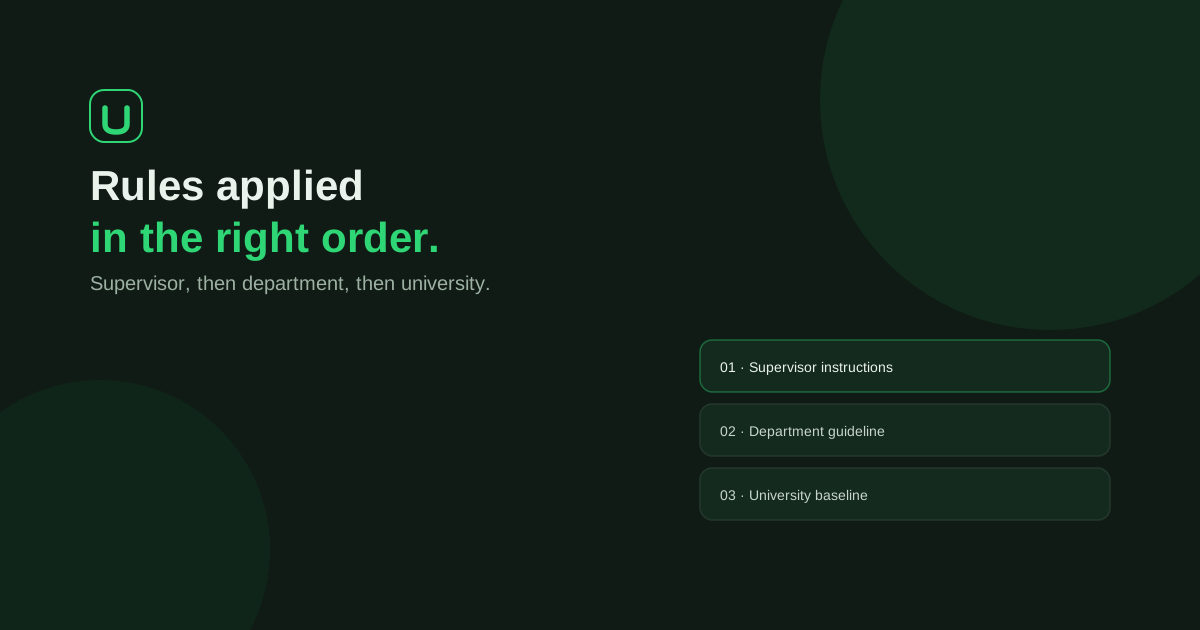
Formatting rules for a Nigerian university document come from several levels, and they do not always agree. UniDraft applies them in this fixed order, strongest first:
- Supervisor or project instructions. If your supervisor tells you something specific about your project, that wins.
- Student-confirmed guidelines. Guidelines you have supplied and confirmed, for example a departmental handbook you uploaded and checked.
- Department pattern. The default for your programme.
- University baseline. The institution-wide fallback when nothing more specific applies.
- Platform default. The last resort when nothing above has anything to say.
The rule that matters most is this one: a lower-priority rule must never silently win. If a higher rule exists for a concern, the lower one is not applied, and it is not applied "just in case" either.
Worked examples (illustrative)
These examples are made up to show the logic. They are not any university's real rules, so always confirm your own requirements with your department.
Example 1: line spacing. Suppose the university baseline says double spacing, the department pattern says double spacing, and your supervisor writes in the correction notes, "use 1.5 spacing for the body." Supervisor instructions sit at the top, so the body is set at 1.5. If the engine had defaulted to the department pattern, your document would carry a rule your supervisor had already overruled.
Example 2: reference style. Suppose the university baseline names one reference style, and your department's handbook, which you uploaded and confirmed, names another. Student-confirmed guidelines outrank the baseline, so the confirmed style is used. If your supervisor later says otherwise, the supervisor's instruction replaces both. If you are unsure which style applies, the guide on writing the references list covers APA, IEEE and Harvard, and the free citation finder can locate real sources in those styles.
Example 3: nobody has said anything. Suppose only the platform default and the university baseline speak about page margins. The university baseline wins because it outranks the platform default. The default is only used where no other level has an opinion.
Example 4: two rules at the same level disagree. If two rules at the same authority level conflict, a sound engine does not pick one at random. In UniDraft's design the conflict is surfaced to an administrator or to you rather than guessed. Being told "these two instructions disagree, please confirm" is much better than discovering the guess in your defence room.
Template, style checker and compliance engine compared
These three things are often confused, so here is how they differ in practice.
| Word template | Style checker | Compliance engine | |
|---|---|---|---|
| When it acts | At the start | After you have written | Every time the document is built or corrected |
| What it does | Gives you starting styles | Reports what looks wrong | Applies the winning rules to the whole document |
| Handles conflicting rules | No | Usually checks against one rule set | Resolves them by fixed precedence |
| Stops drift after pasting | No | Flags it, you fix it | Reapplies formatting on the next build |
| Who fixes mistakes | You | You | The rules are applied for you |
None of these replaces the others. A checker is useful for a document you have already written, and the free formatting checker scans a .docx against a university's rules without signing up. The engine approach is different because it sits at the point where the document is produced.
The AI writes, code formats
A compliance engine for documents that use AI has one more design question: who controls the formatting, the model or the code?
In UniDraft the answer is code. The AI generates and transforms content. Deterministic code, not the model, controls the final formatting: margins, fonts, numbering and the table of contents. The model produces a structured document (headings, paragraphs, tables, figure references and captions), and a separate renderer combines that structure with the rules that won the precedence contest to build the Word file.
Why does this separation matter to you?
- Consistency. The same resolved formatting rules can be applied consistently. Different project instructions may produce different layouts, and the exported file still needs review.
- No stray styling. Models sometimes produce formatting that looks right on screen but is not built from real Word styles. Rendering from a structured model with defined heading styles avoids that.
- Numbering that works. Where the confirmed rules call for it, the cover is unnumbered, preliminary pages use Roman numerals and the body uses Arabic numerals. That is a structural job for the renderer, and if you have ever fought this by hand, the walkthrough on Roman and Arabic page numbering in Word shows what the result should look like.
- A contents page that updates. The table of contents is an updateable Word field built from real headings, not a typed list of page numbers.
What a good one actually checks
Beyond margins and fonts, a useful engine covers:
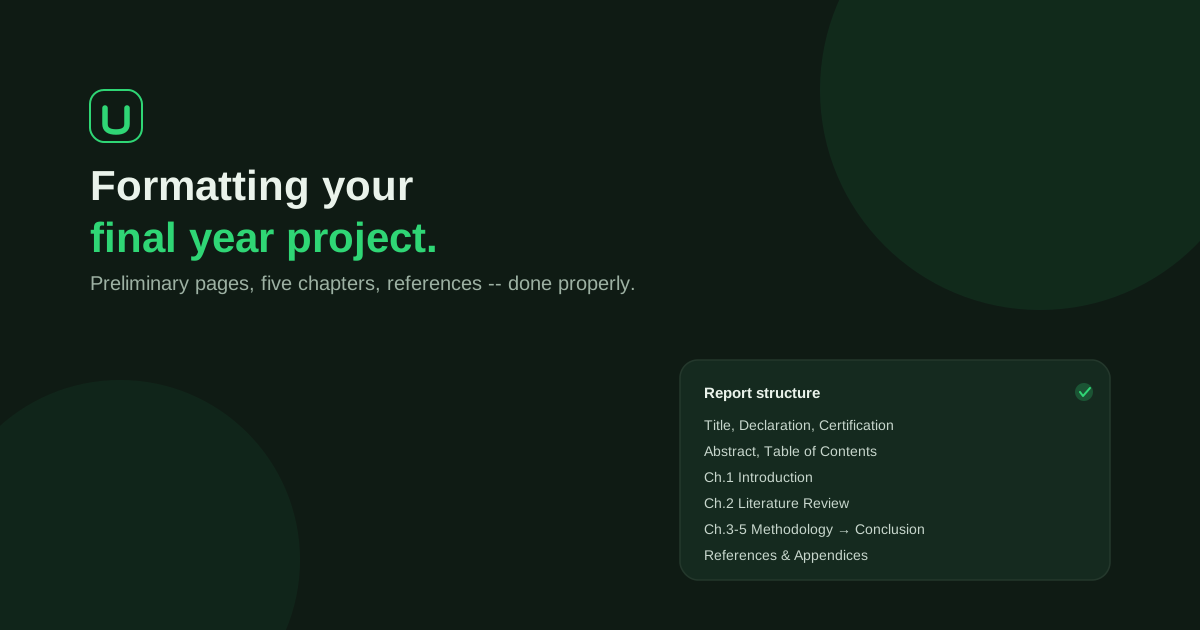
- Structure. Chapter and section order, expected subsections and required preliminary pages. The layout most departments expect is described in the guide to formatting a final year project report.
- Page numbering. Cover, Roman-numbered preliminary pages, then Arabic numbering for the body.
- Tables and figures. Captions and their conventions.
- Contents page. Built from real headings so it can be updated in Word.
- Citations and references. Some engines also cross-check in-text citations against the reference list. Others do not, so ask any tool exactly what it covers instead of assuming that "compliance" means the same thing everywhere.
You can see university-specific baselines without signing up: the format guides list rules for many institutions, and you can compare them with what your department has told you.
Compliance is not the same as content
This is the part students most often get wrong. A document can be perfectly formatted and still be weak, wrong or dishonest. A compliance engine is about form. It does not judge whether your argument is good, your results are correct or your supervisor is satisfied.
That is why UniDraft treats your own facts as the source of truth. It builds around your confirmed topic and your real results, and its workflow requires confirmed facts rather than fabricated activities, results, experiments, sources or supervisor and institutional approval. If you upload your results as a .docx with tables and labelled images, those are carried into the document as you confirmed them rather than replaced by invented numbers. A properly formatted page is not evidence that your supervisor approved it, and a supervisor-corrected file is not proof of authorship or approval either.
A good habit is to treat formatting and content as two separate checks. The first is what an engine helps with. The second is yours: your problem statement and your results still have to be true and defensible.
If you are also worried about how machine-drafted text reads to a supervisor, see why a report can read like AI wrote it and what to do about that.
Versioning: why earlier drafts must survive
Formatting rules change mid-project. Your supervisor sends a new instruction, your department releases a revised handbook, or you correct a wrong assumption. If each of those changes overwrote your document, you could never compare drafts or recover a chapter you liked better.
In UniDraft every generated document is versioned and earlier versions are never overwritten. When supervisor corrections arrive, you supply the corrections and instructions, confirm the changes that were extracted, and a new version is produced from that confirmed scope. Your earlier version stays available for comparison. The full workflow is covered in the guide to managing final year project corrections.
The same approach applies to IT/SIWES reports and seminar reports.
How to judge any "compliance" tool
Whether it is a product, a Word add-in or a service someone offers to "format" your report, ask these questions before you trust it.
- Whose rules does it use? Your department's and your supervisor's, or a generic layout?
- What happens when rules disagree? There should be a stated order, and a lower rule should never win silently.
- Does it apply to the whole document or only what you select?
- Does it produce an editable file? You will need to edit the Word file after your supervisor reads it.
- Does it keep earlier versions?
- Does it touch your facts? It should not invent or alter results, sources or approvals.
- Does it promise a certain grade or approval? No honest tool can.
Checklist before you submit
- Your supervisor's latest written instructions are reflected, including anything that differs from the department handbook.
- Font, size, line spacing and margins are the same in every chapter, including any pasted sections.
- Headings use real heading styles, and the contents page has been updated after your last edit.
- Page numbering follows the confirmed requirements, including cover and preliminary-page treatment.
- Every in-text citation appears in the reference list, and the reverse.
- Tables and figures have captions, and your real results are unchanged.
- You have kept a copy of each earlier version.
- You have run your .docx through the formatting checker as a final independent look.
Where UniDraft fits in
UniDraft builds the written document as an editable Word (.docx) file for IT/SIWES reports, seminar reports and final-year projects. It builds around your confirmed topic and real results, project or supervisor instructions, student-confirmed guidelines, department pattern, university baseline and platform defaults, applied in that order of priority, with a lower rule never silently winning. The AI generates the content and deterministic code handles margins, fonts, numbering and the table of contents. Every version is kept.
Check the current price and included correction allowance in the document workflow before payment.
UniDraft does not produce PowerPoint slides, fill in SIWES forms or signatures, run statistics or invent data, and it cannot guarantee grades or approval. You remain responsible for the truth of your work.
Sources
- Microsoft Support: Create a table of contents in Word, on how Word builds and updates a contents page from heading styles.